Security Transaction Report
Historical transactions within a specified period for the selected security classes.
Choose Type
Select Transaction Reports > Security Transaction Report
Define Criteria
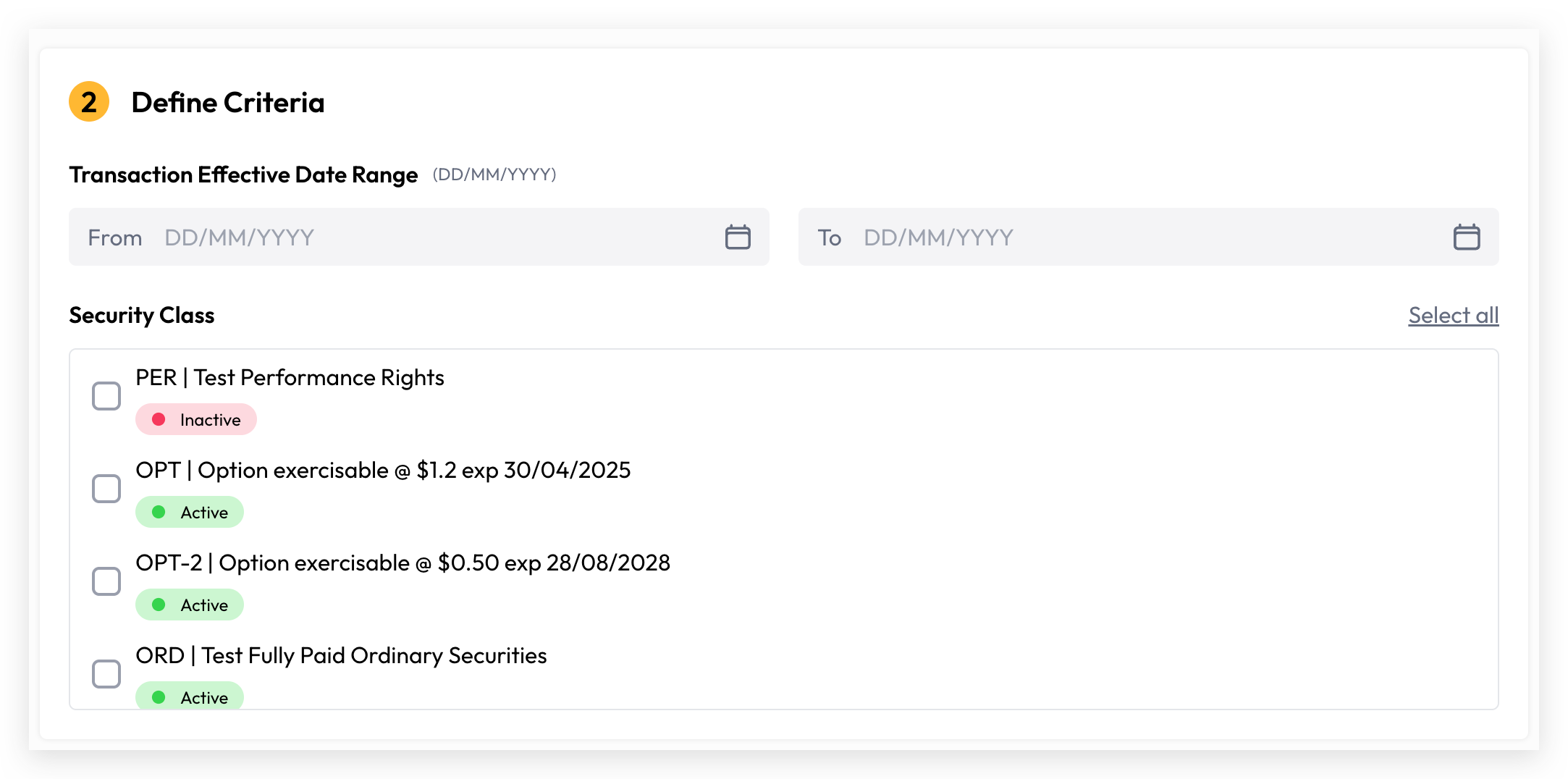
Transaction Effective Date Range: The date range defining the effective dates of transactions to be included in the report.
Select Security Classes: Select the specific security classes or you can simply include all security classes by toggle “Select all”
Generate Report
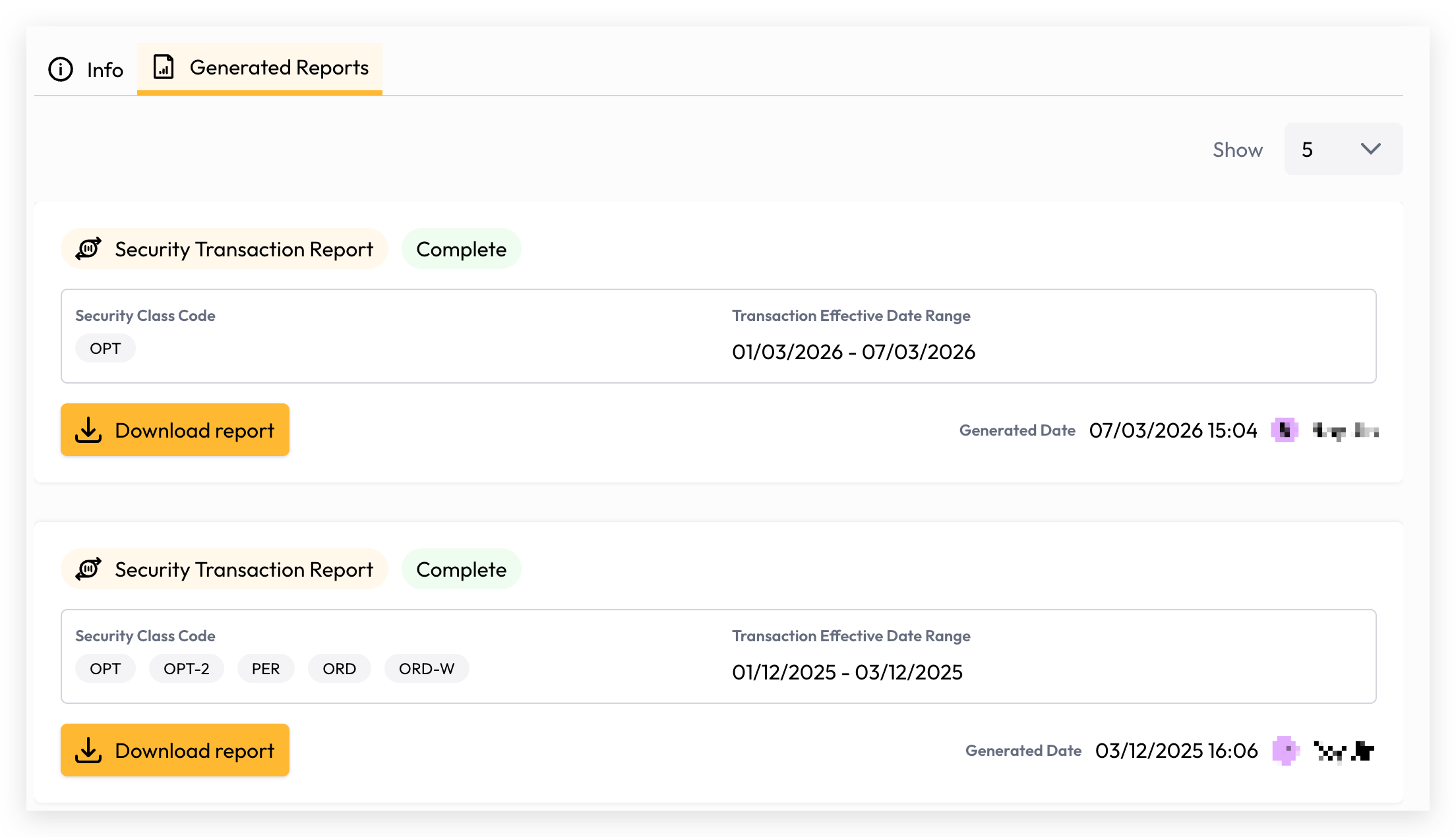
Your report is now ready to generate. Depending on the volume of data, generation may take a few seconds or longer. You can monitor the progress directly on the report generation screen, and once complete, simply click the Download button to access and view your report.
Still need help? Share an idea