Forgotten your Password
Find out how to reset your password if you have forgotten or lost access to your original password.
If you have forgotten your password, you can reset it to resume your journey with Cuspy.
Head to https://asset.cuspy.app/ and click on 'I forgot my password'. Alternatively, you can head directly to https://asset.cuspy.app/forgot-password to reset your password.
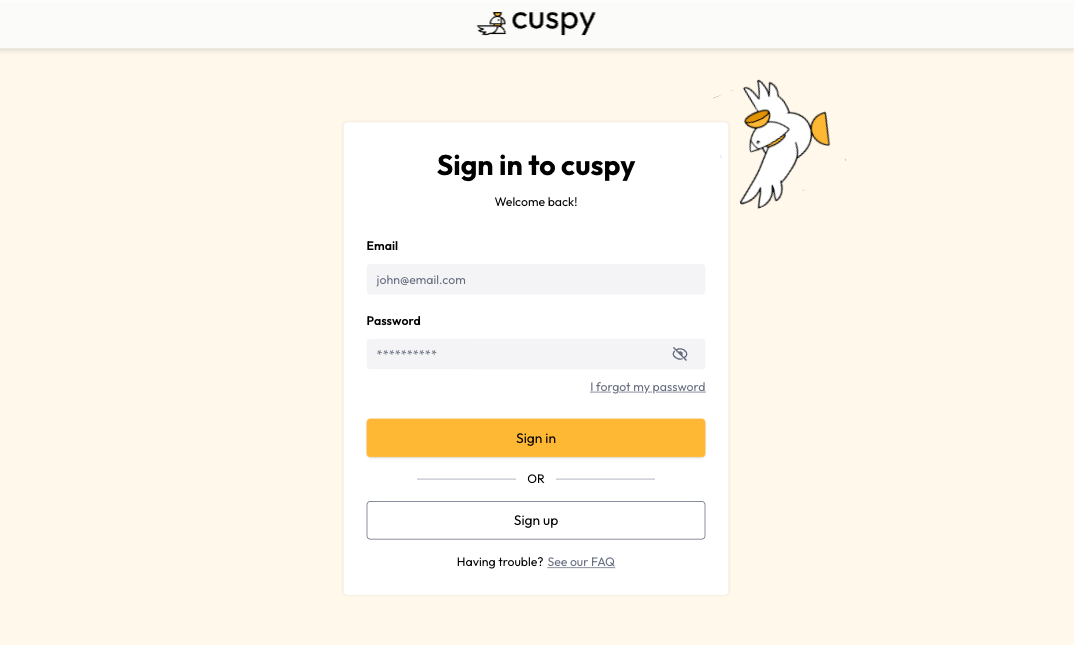
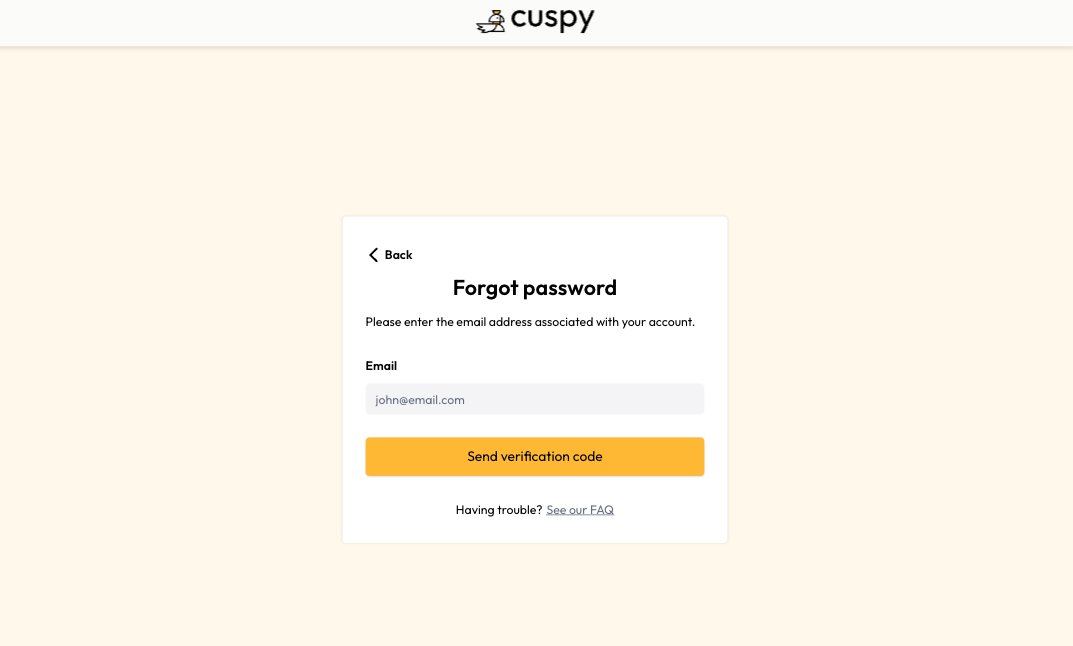
Enter your email address and then click on 'Send verification code'.
Check your inbox for an email with the verification code. Enter the verification code and new password. Click 'Update password'.
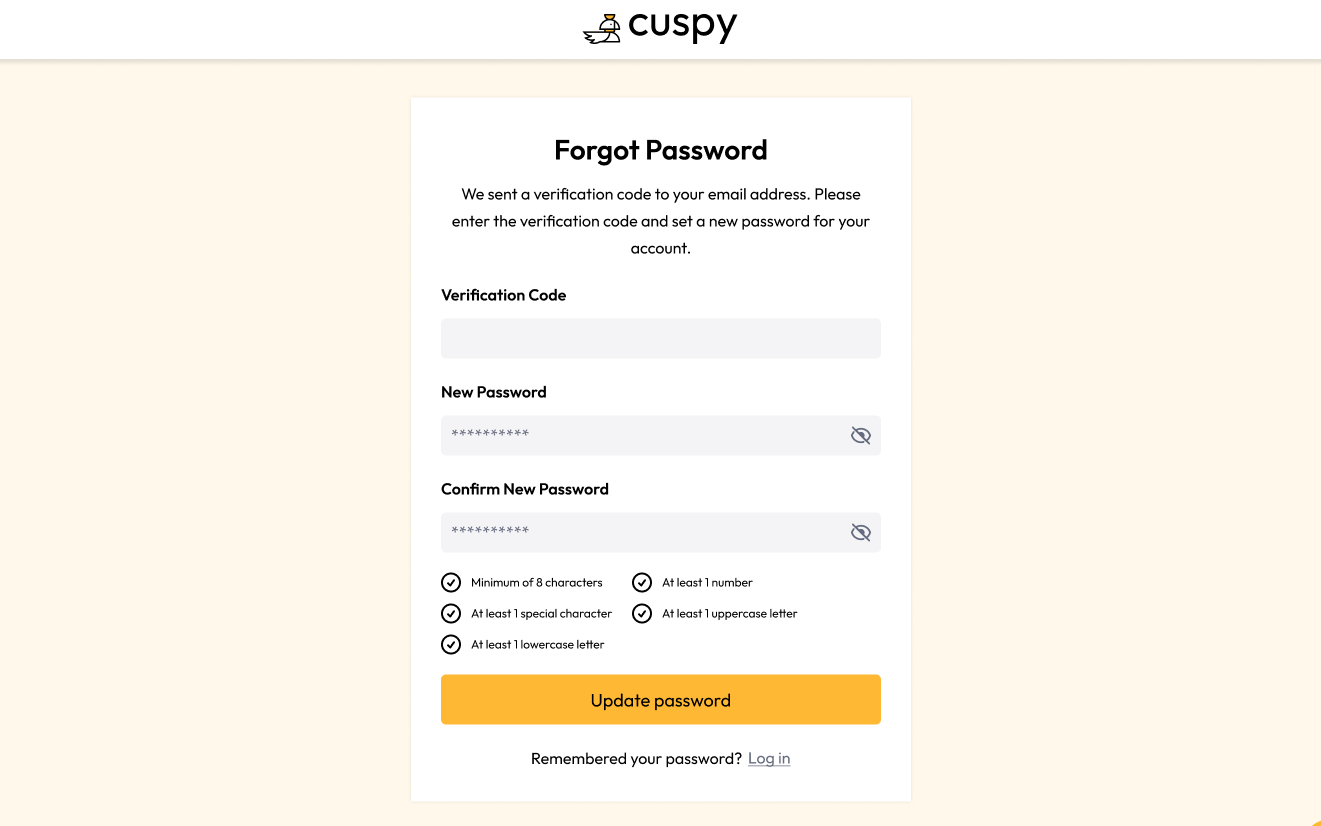
Now your password has been reset and the new password is ready to use.
Still need help? Share an idea