🎉 Data Rooms Now Live
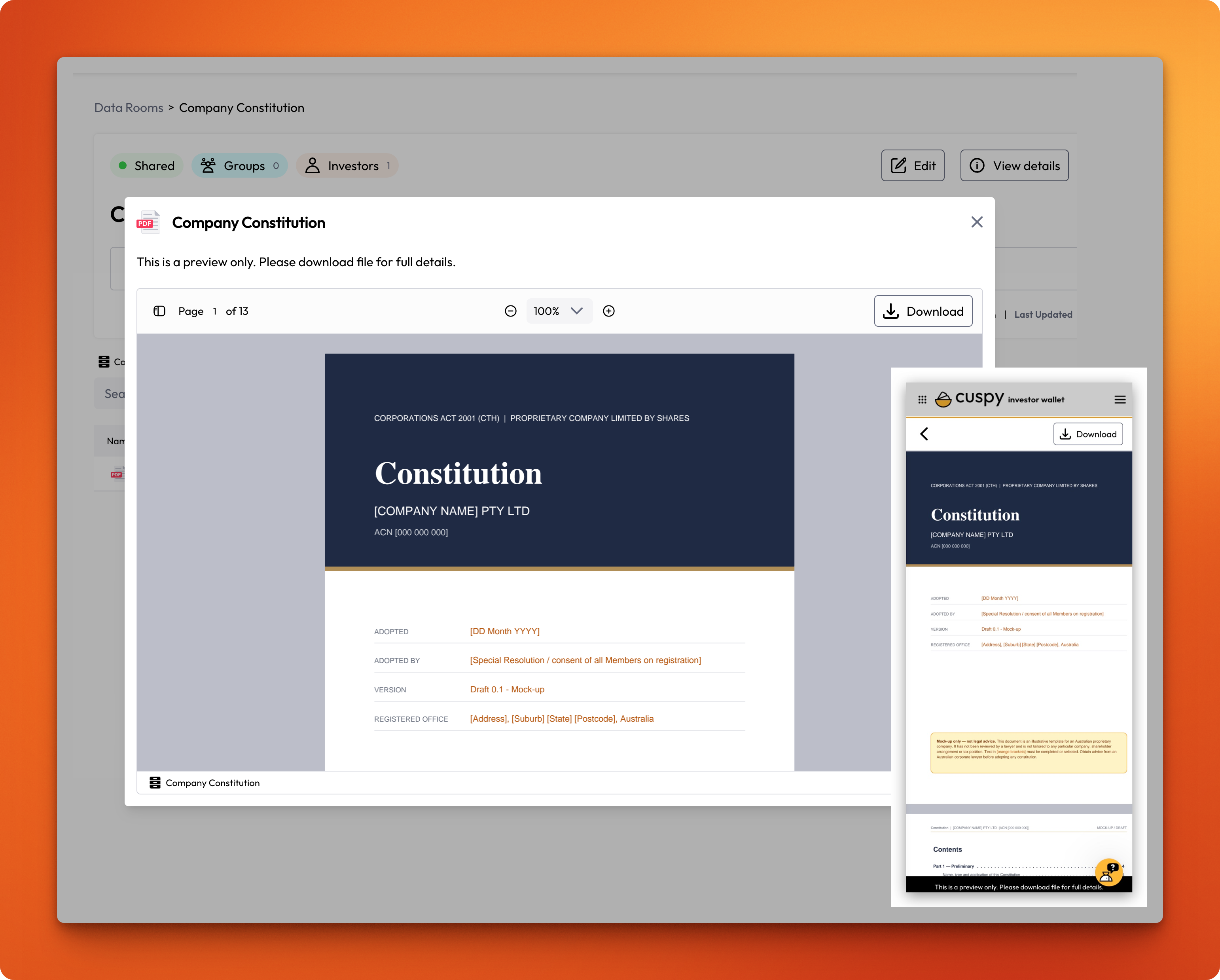
You can now share confidential documents with your investors from one secure place in Cuspy.
What you can do
Create data rooms: Set up as many rooms as you need and organise each room with folders up to five levels deep. Popular documents to share include the Company Constitution, Shareholders' Agreement, Information Memorandum, Financial Statements, Investor Presentations and Board Papers.
Upload your key documents: Add PDFs, Word, Excel and PowerPoint files, CSVs, images and videos.
Share with the right people: Give access to investor groups, individual investor accounts, or all investors, including investors you add later. You can also invite external advisers or lawyers by email.
Keep access up to date automatically: When you share a room with an investor group, access follows the group. Add or remove a member, and their access changes straight away.
Remove access instantly: Take away access at any time. It ends immediately.
Investors open shared rooms under Data Rooms in their Investor Wallet. As soon as they're given access, they get an email letting them know the room is ready.
📖 Read the full guides: Manage Data Rooms and Share Data Rooms in the Cuspy Help Centre
Any questions or want a feature demo? Please reach us at help@cuspy.app.