✨ Top Holders by Beneficial Ownership
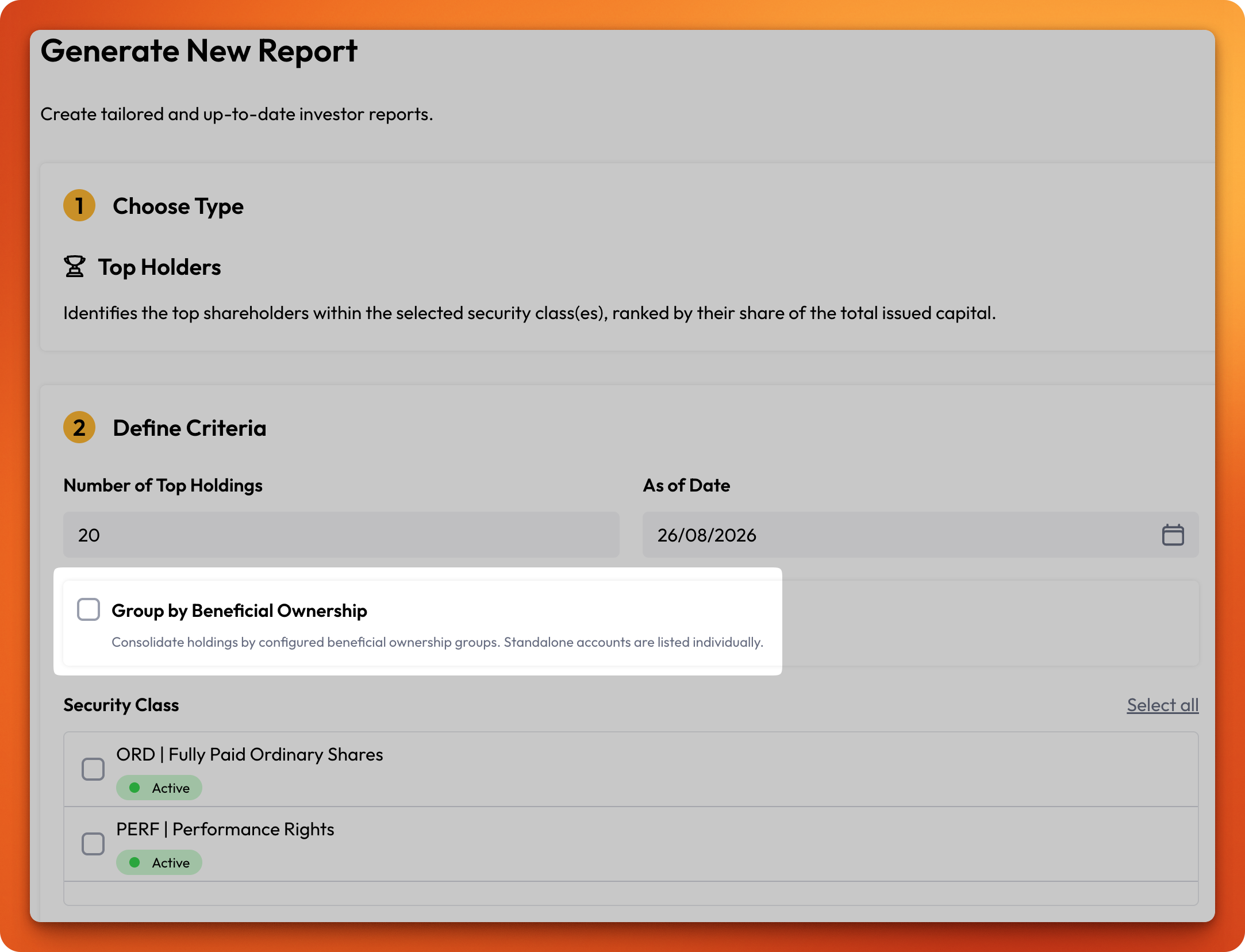
Your Top Holders report can now report a set of investor accounts as the single owner they really are. Where one underlying owner holds through several accounts — a family's trusts and personal holdings, or an institution's nominee structures — group those accounts once, and the report ranks them by their combined holding instead of scattering them across separate lines.
What you can do:
Build reusable investor groups from the accounts in your organisation, mark a group as a beneficial ownership group, and generate a Top Holders report that consolidates each group into one holder — with its member accounts broken out beneath it. Standalone accounts continue to be listed individually, exactly as before.
Groups resolve live: change a group's membership once and every report you generate from then on reflects it, with no lists to maintain in two places.
How it works:
Head to Investors > Investor Groups and select Create new group. Give the group a name, tick This is a beneficial ownership group, and search for the investor accounts to include. An investor account can belong to only one beneficial ownership group, so each holding has a single, unambiguous owner.
Then generate your report as usual under Reports > Top Holders and tick Group by Beneficial Ownership in the Define Criteria step. Leave it unticked to report every investor account individually.
Grouping is all or nothing: if a group's combined holding doesn't reach your Number of Top Holdings cut-off, neither the group nor its member accounts appears in the report.
Learn more:
Top Holder Report — generating the report and what the beneficial ownership option changes.
Investor Groups — creating groups, managing members, and how beneficial ownership groups work.