Manage Investor Accounts
Learn how to manage investor accounts.
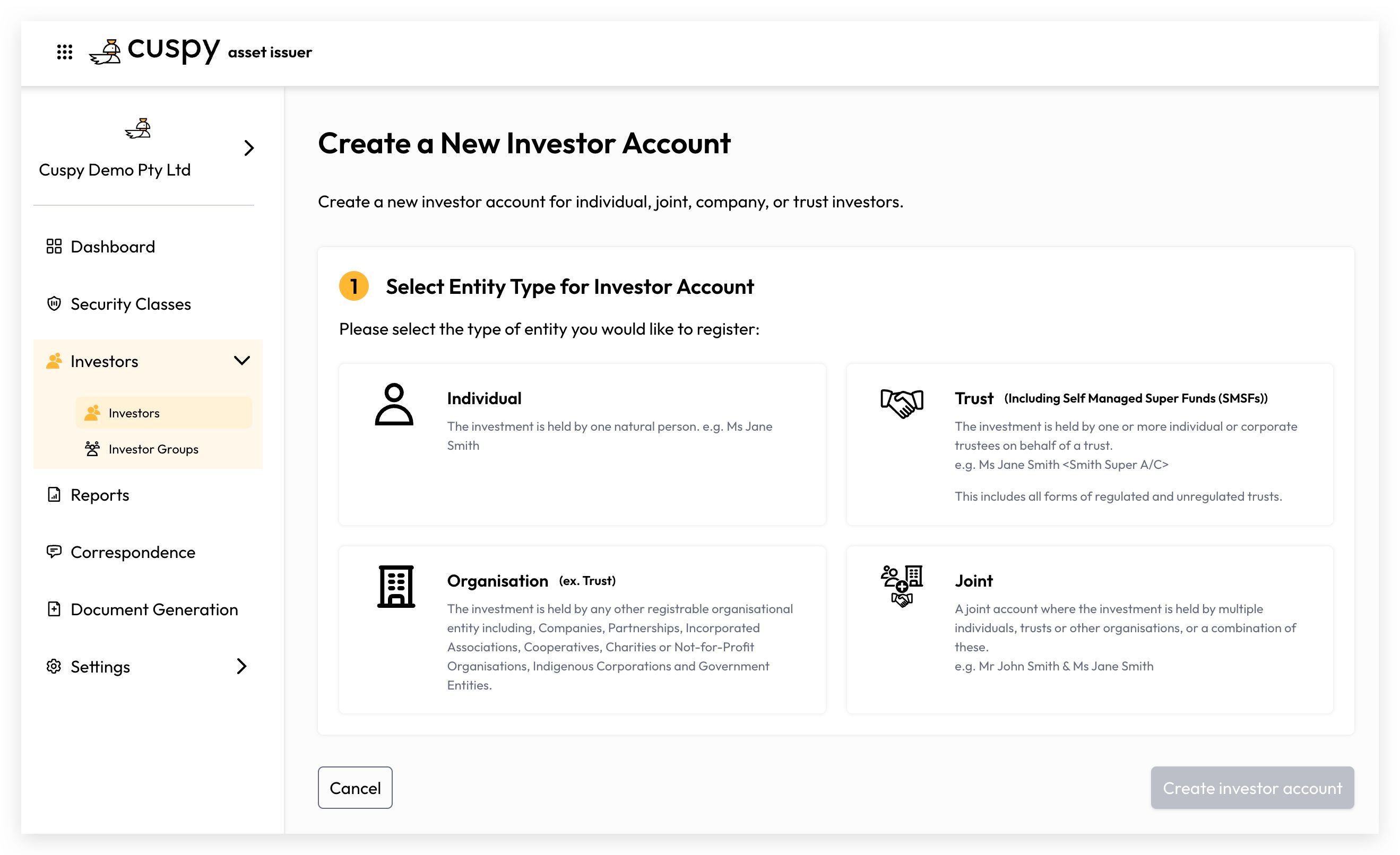
Entity Type
Before creating an investor account, the following entity types must be configured in advance.
Individual
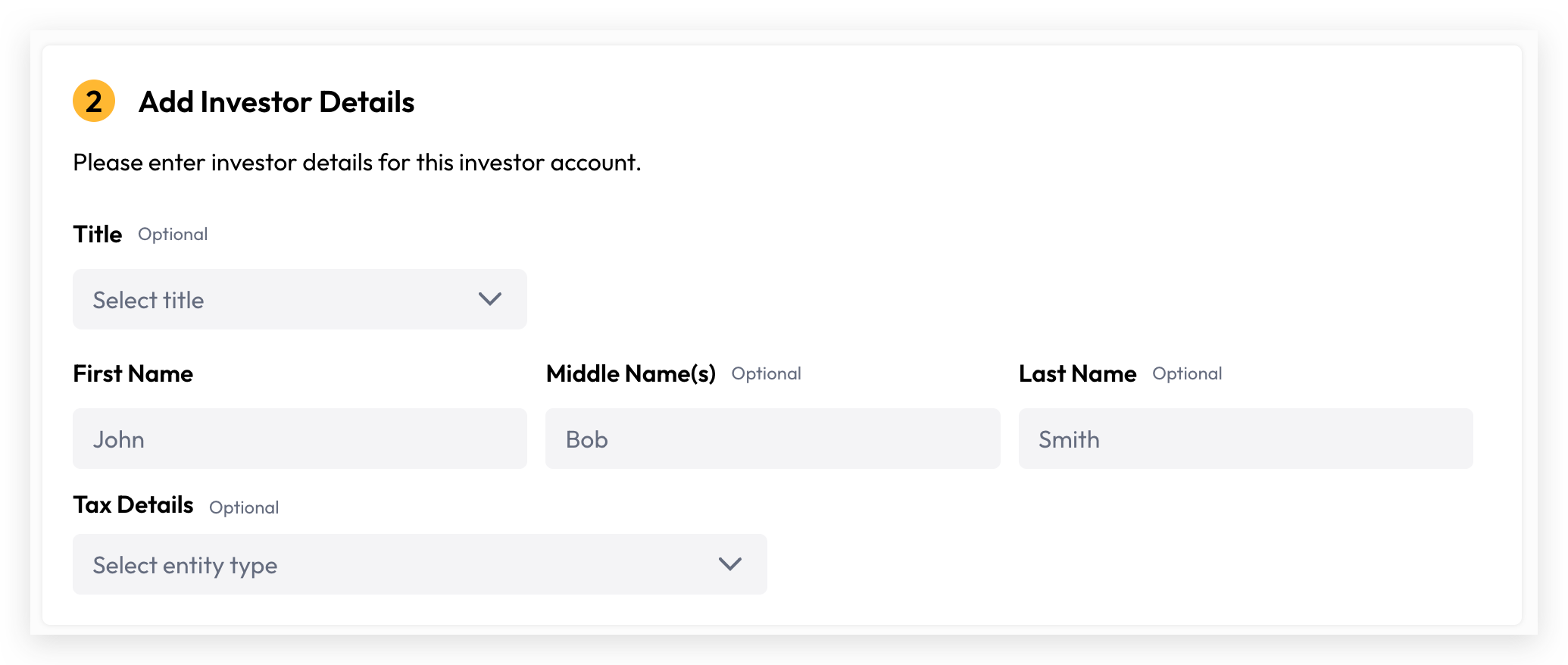
An Individual is a natural person identified by their First Name and Last Name.
Organisation
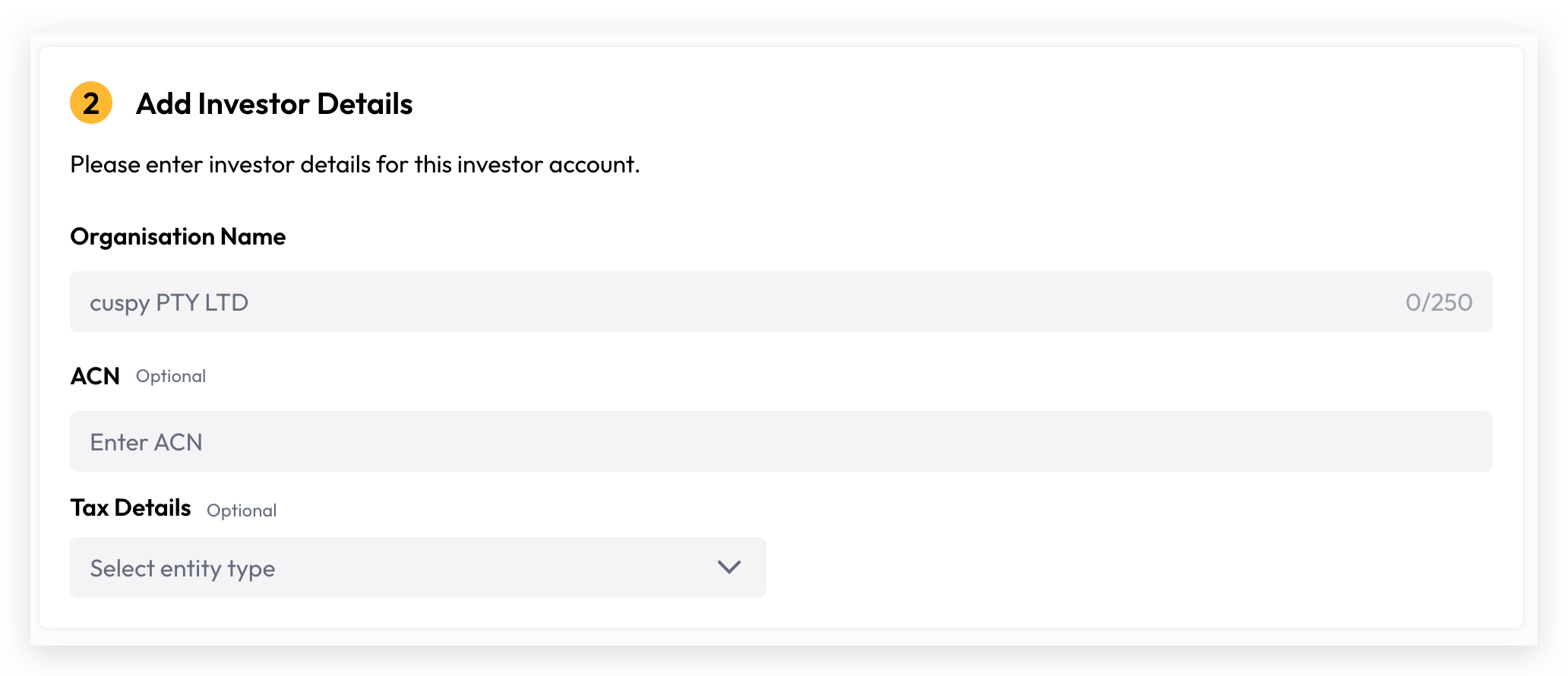
An Organisation is a company or incorporated entity identified by its organisation name. For Australian-based entities, please record the Australian Company Number (ACN) where available.
Joint
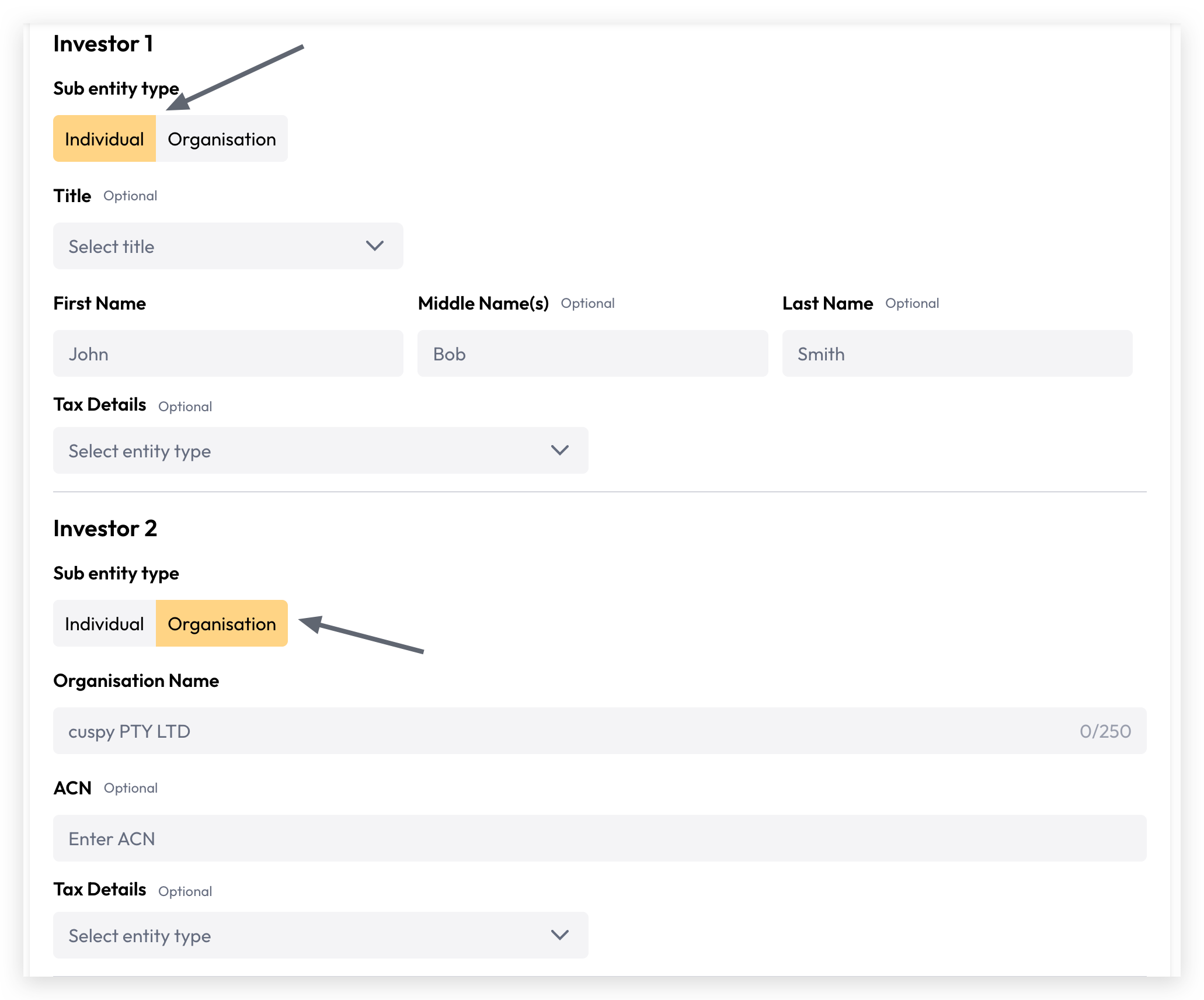
A Joint account represents two or more individuals or organisations, identified by a combination of their respective names. Cuspy supports a maximum of four joint holders per account.
Trust
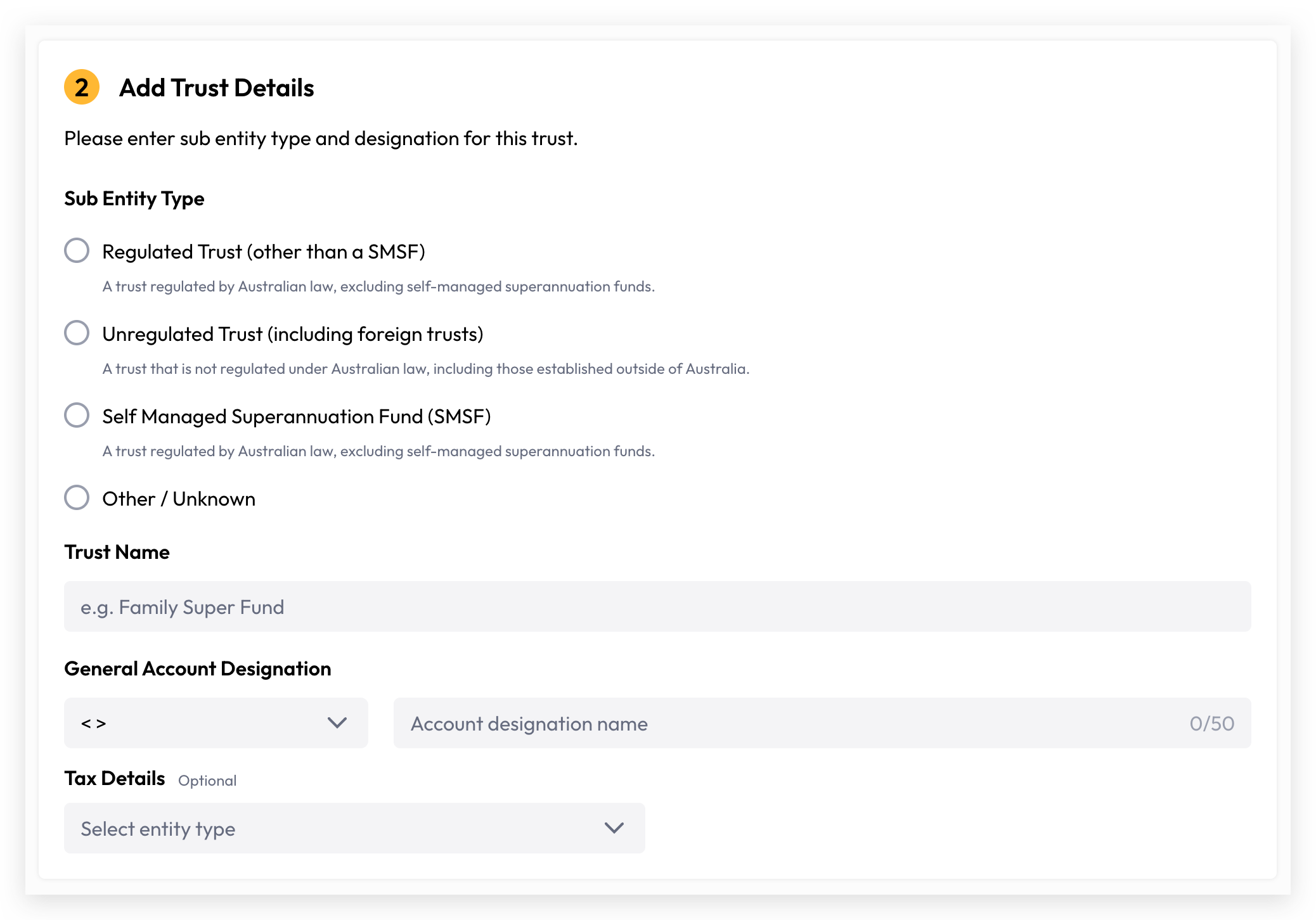
The Trust entity type requires a more complex setup compared to Individual, Organisation, and Joint. The following attributes are required to configure a Trust entity type.
Attribute | Description | Required |
Trust Type |
| Yes |
Trust Name | The name of trust. For example: Smith Family Trust | Yes |
Account Designation | An additional label or identifier attached to an investor account to provide further context or differentiation. e.g., ITF John Smith | Yes |
Trustee(s) | Trustee is the individual or entity legally responsible for managing and administering the trust assets on behalf of the beneficiaries, in accordance with the trust deed. It can be individual or organisation. 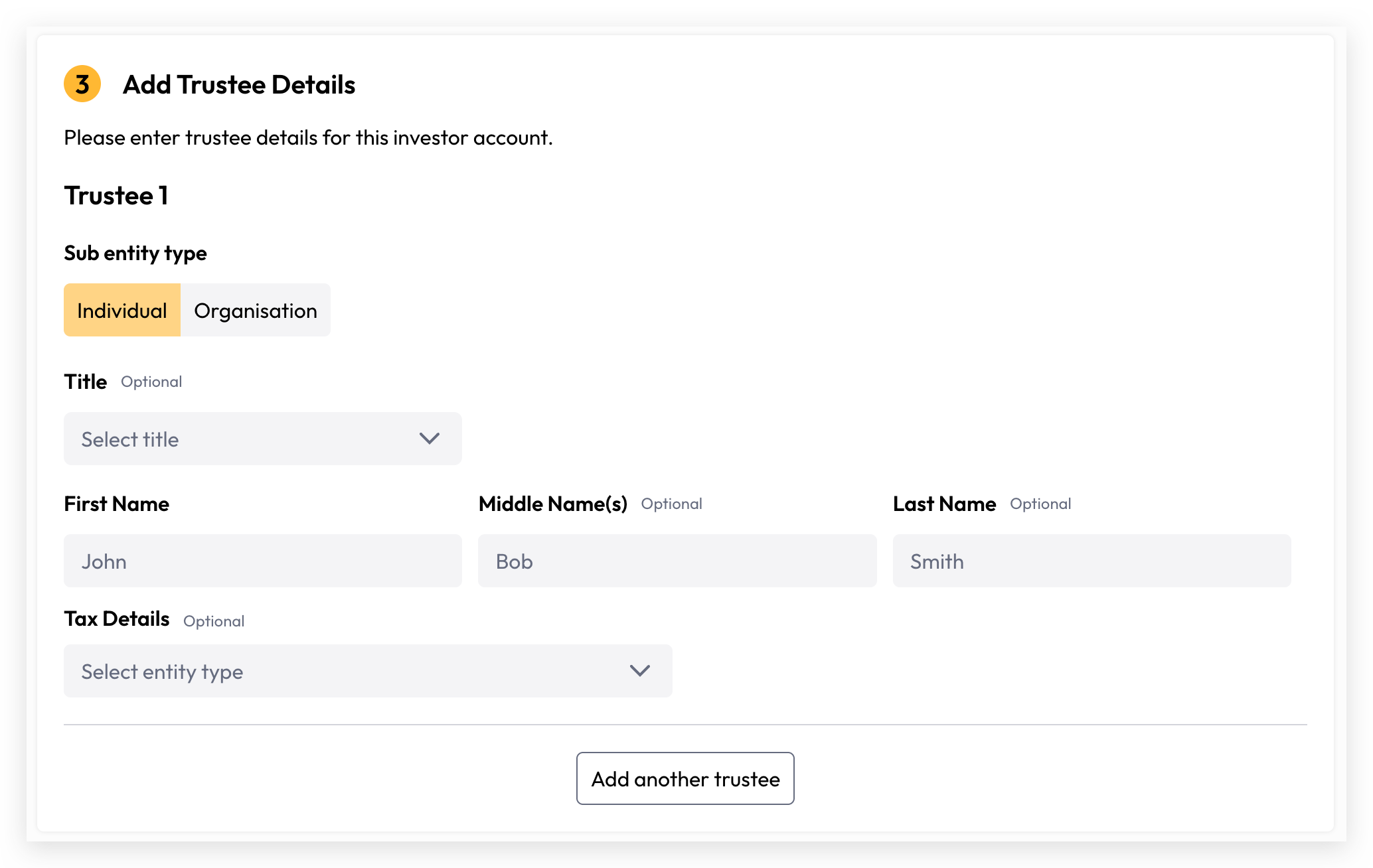 | Yes (at least one) |
Account Details
Contact Details
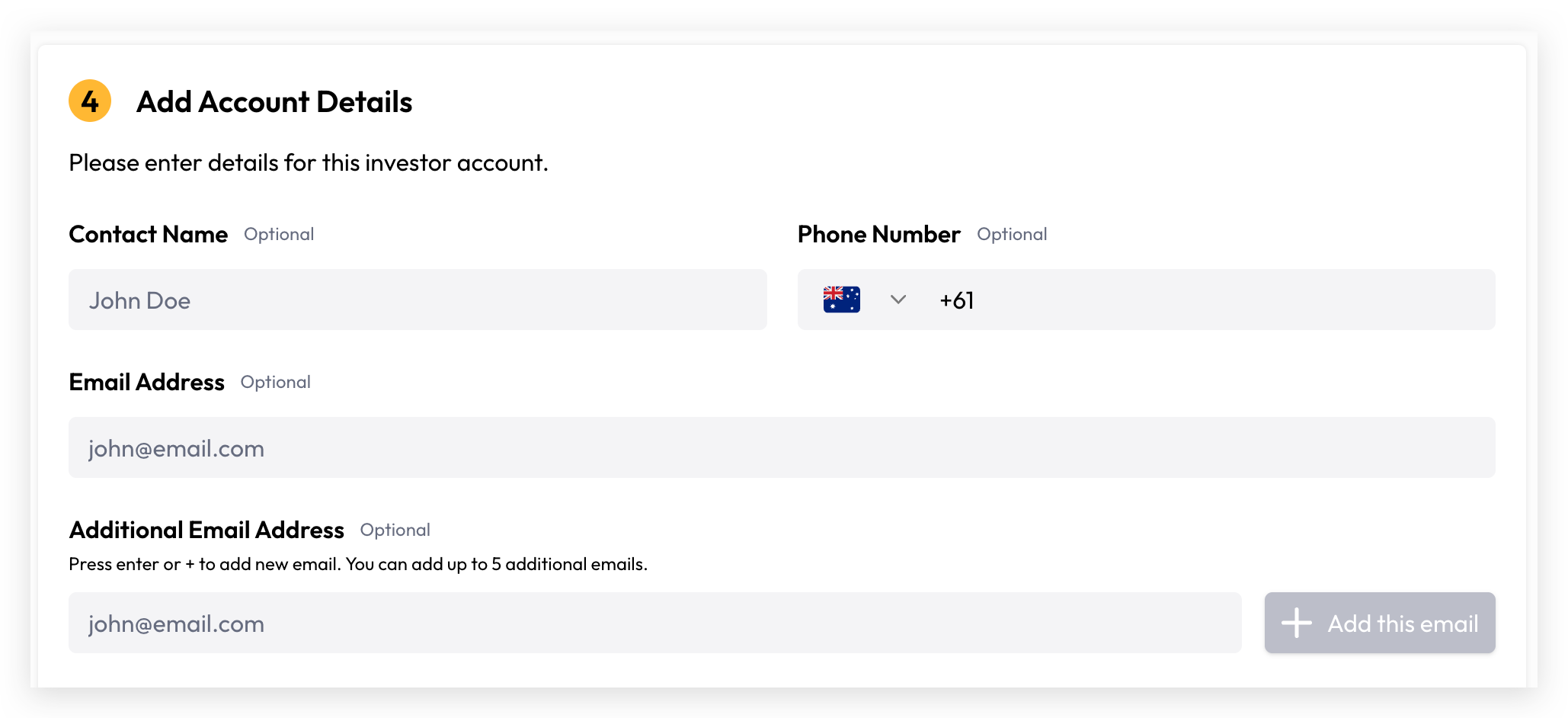
The investor account's contact information. Cuspy currently supports the following:
Registered Address
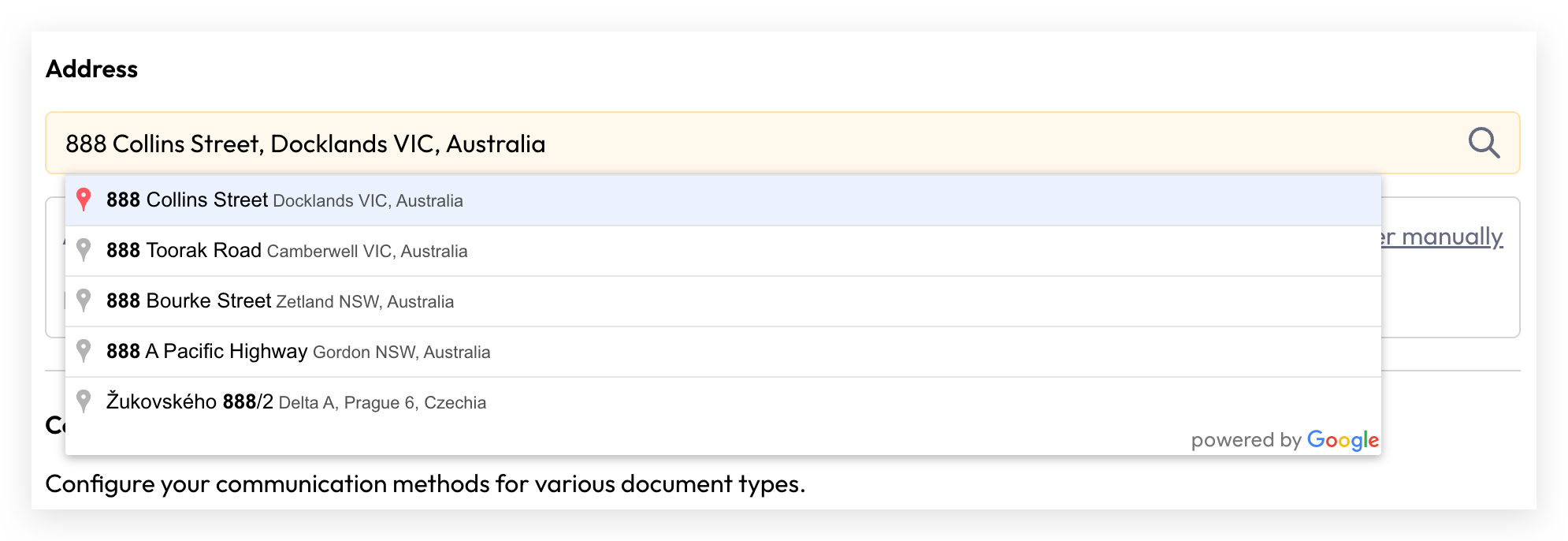
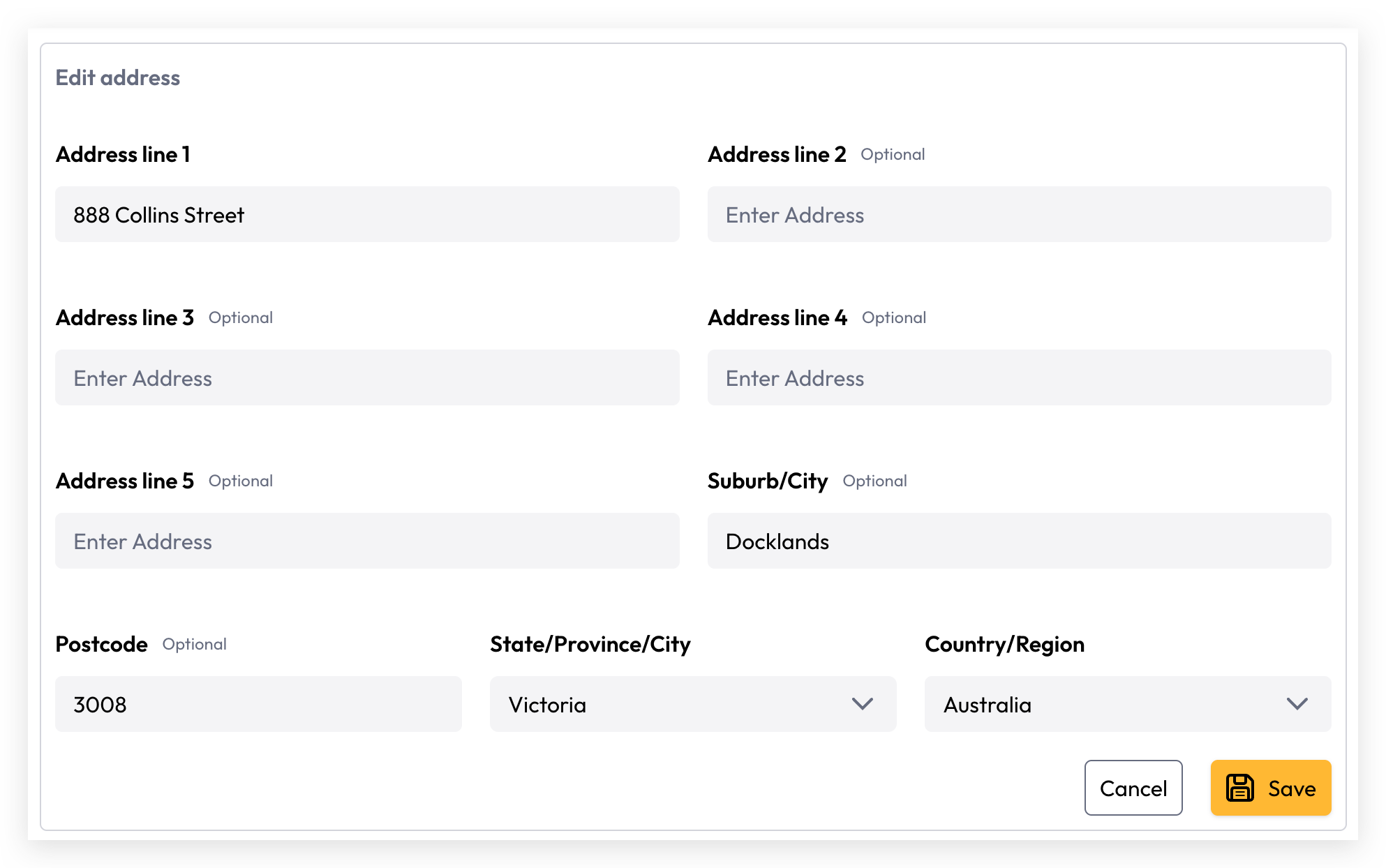
A registered address is mandatory for every investor account and forms part of the account's identifying information. Cuspy uses auto address search to make it easy for users to find and enter address details. If an address cannot be found, manual address entry is also supported.
Address Auto Search

Manual Input
Communication Preferences
Communication preference document types and delivery methods are defined and managed at the organisation level. Each investor account can then select their preferred delivery method for each document type as configured by the organisation.

In the example above, only the Holding Statement and Offer Document are available for this investor account, with Email as the only supported delivery method.
At Cuspy, we care about the environment and actively encourage digital delivery as our preferred communication method to help reduce paper waste 🌳, carbon emissions, and our collective environmental footprint 🌏.
Bank Details
Users can record bank account details to facilitate incoming payments. The nominated bank account will be used to receive dividends, distribution payments, and refunds.
At this stage, we only support Australian domestic bank account details.
Tax Details
Cuspy allows tax details to be recorded individually for each entity defined within an Investor Account.

The Tax File Number (TFN) is classified as sensitive information. Once entered, it is securely stored and cannot be viewed or retrieved — only re-entered if an update is required.
At this stage, Cuspy supports Australian Tax File Numbers (TFN) and Australian Business Numbers (ABN) only, with built-in validation for both.
Next step, you can create security class and issue the securities:
Still need help? Share an idea