Cash Register Report
Cash balances held by registered holders on the specified date along with their ownership details.
Choose Type
Select Register Report > Cash Register Report
Define Criteria
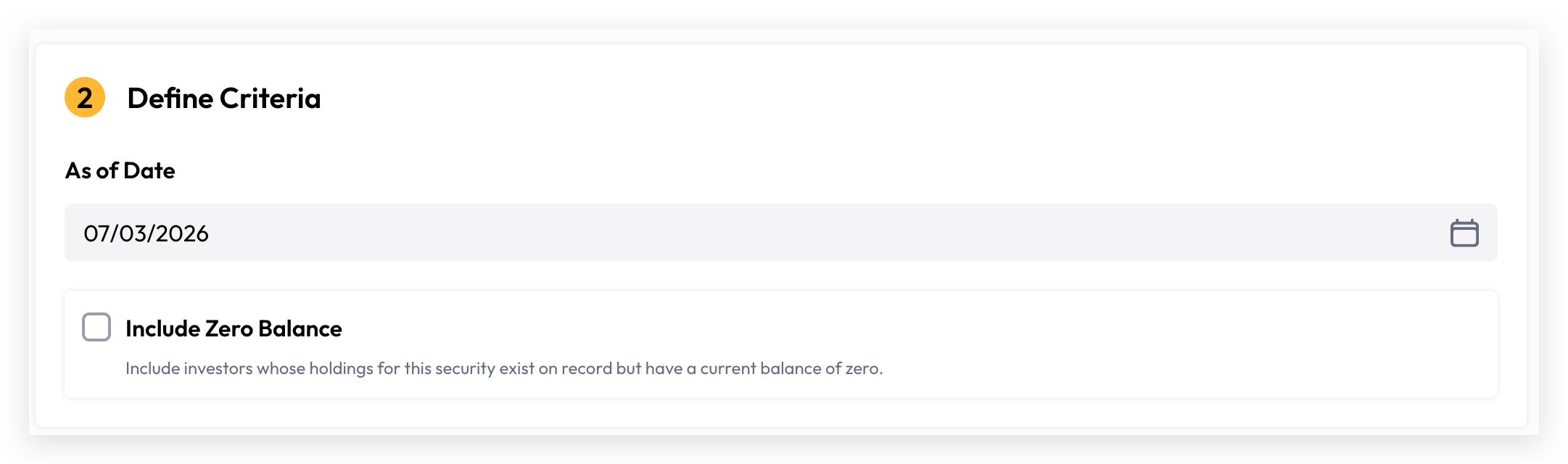
Select As of Date: The "As of Date" determines the reference point for your report. It can be set to today or any historical date, but cannot be a future date. All cash balances reflected in the report represent the closing balance as at the selected date.
Include Zero Balance: Include investors whose holdings for this security exist on record but have a current balance of zero.
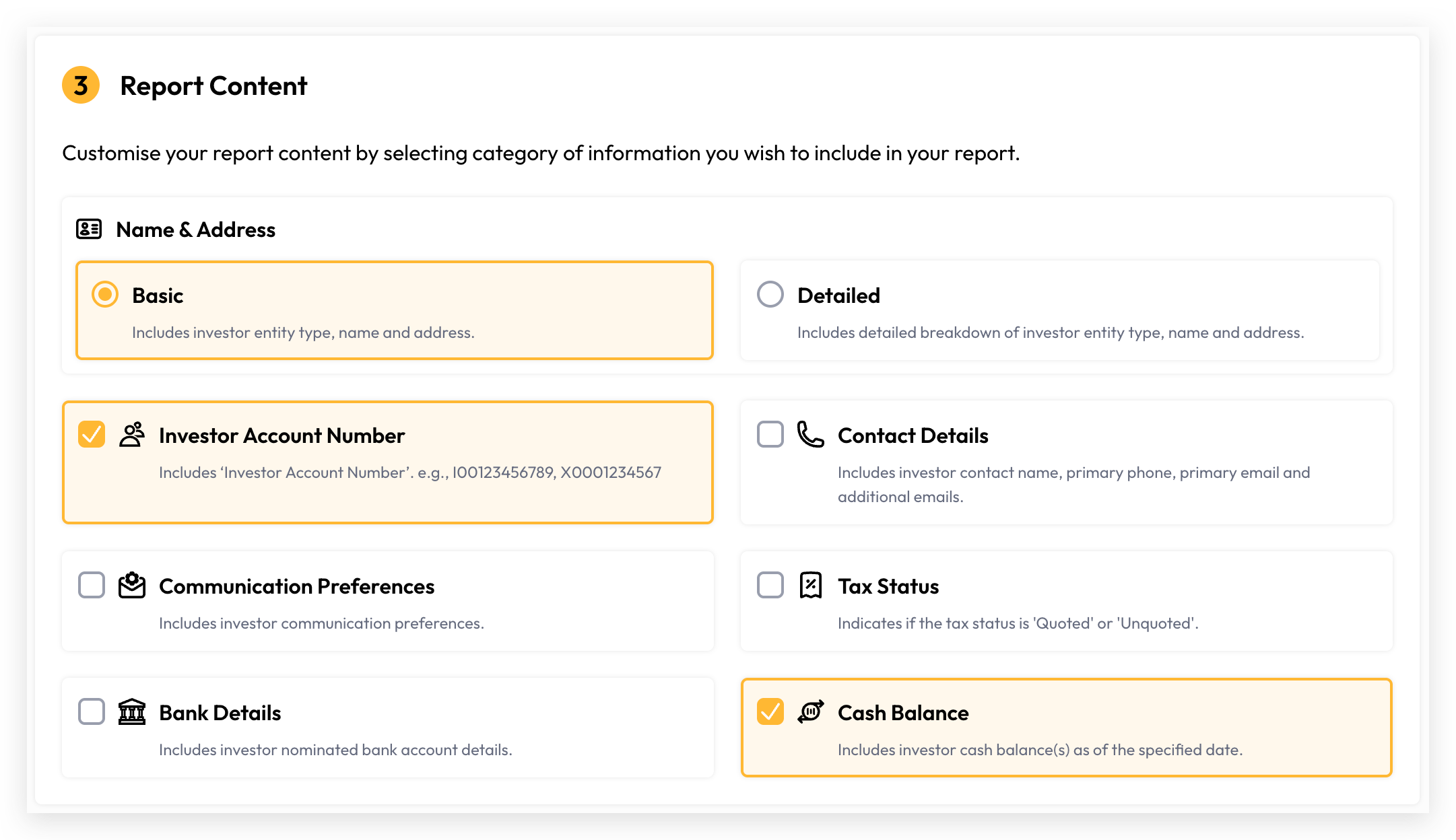
Report Content
Register Reports can contain rich, detailed information presented in an Excel spreadsheet format. Cuspy's self-serve content builder lets users select and customise exactly the information they want to see.
Generate Report
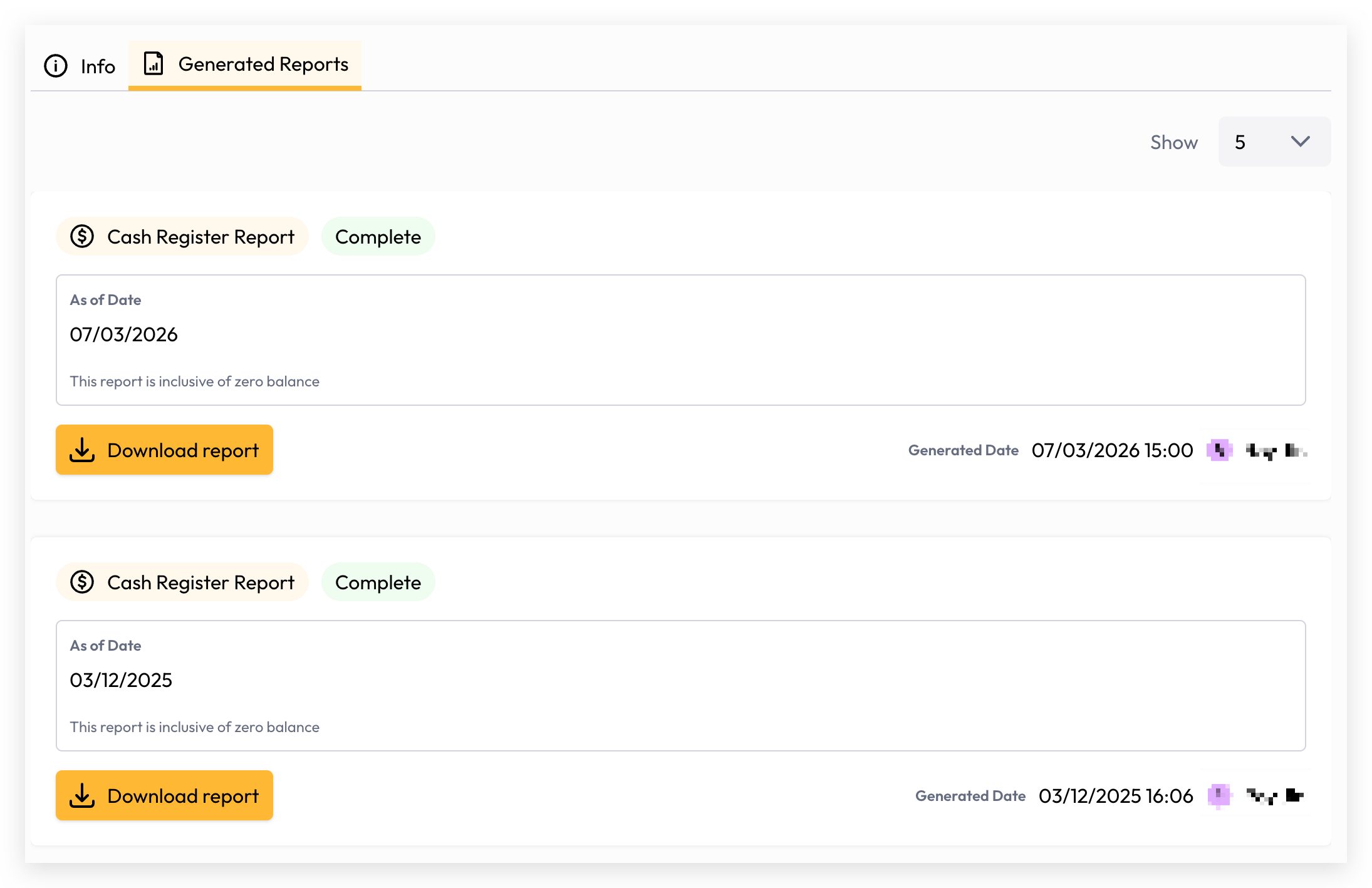
Your report is now ready to generate. Depending on the volume of data, generation may take a few seconds or longer. You can monitor the progress directly on the report generation screen, and once complete, simply click the Download button to access and view your report.